Everything worth knowing
At its heart it's NFL Blitz 2000, the cartridge's own game, running as native code. Around it, everything a modern setup wants. The extras that change the rules are off until you turn them on.
Runs everywhere
Native, not emulated
The game's code was translated ahead of time into native code for each device. Your ROM supplies the rest: the graphics, the sound, the game's data. It starts fast and runs light.
Two ways to play
Original 1999 is the cartridge exactly as it shipped. New Blitz adds the optional 2026 Season. Every feature on this page works in both, apart from the ones that need the season.
Mac, Windows (preview), Linux, iPhone and iPad, Android, dual-screen Android (beta), PS5 (jailbroken), and a real N64 through Export ROM. How to set each one up.
Looks
Hi-res and widescreen
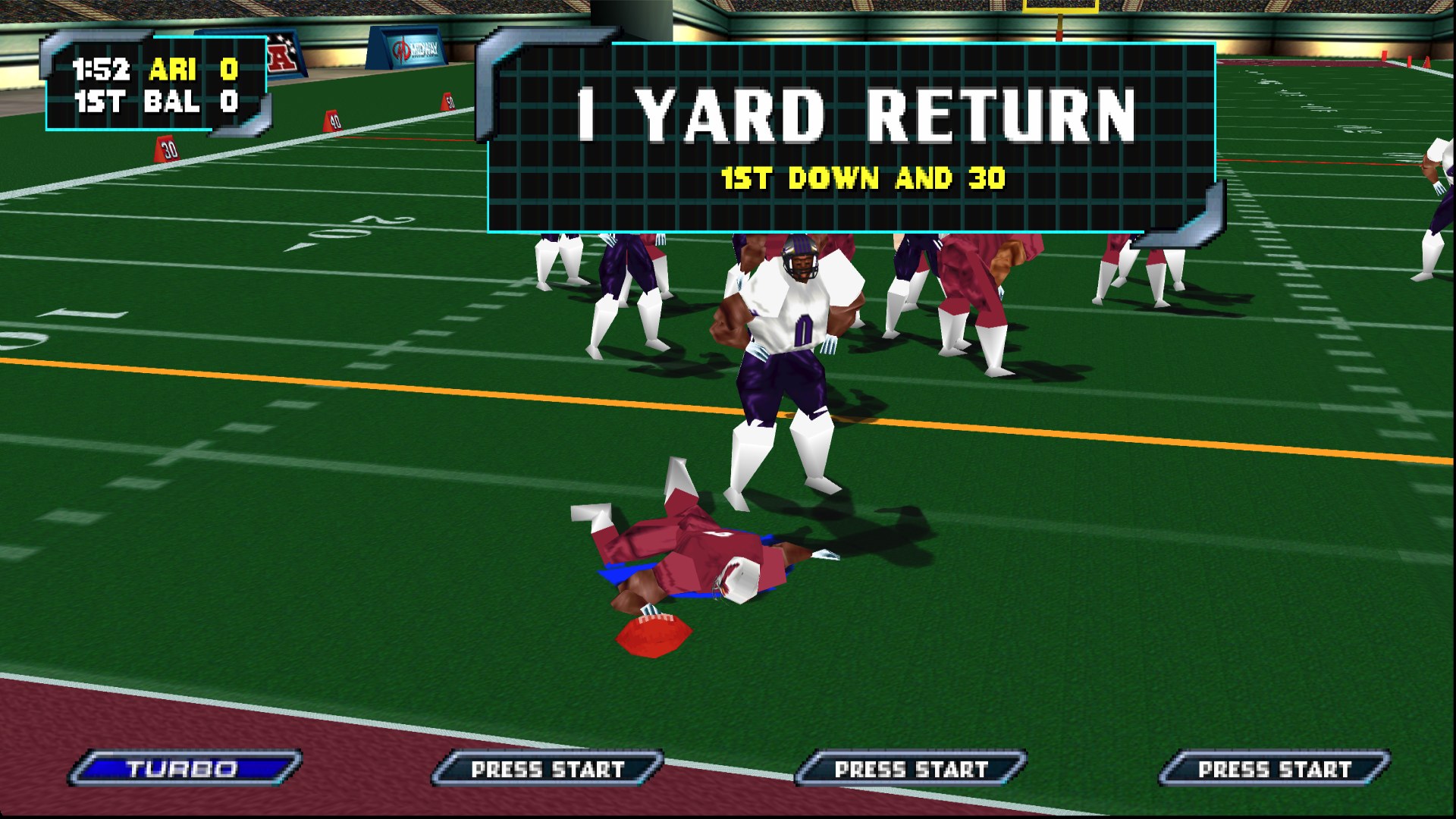
The 1999 game drawn at your screen's resolution, and in widescreen.
60 fps or more
Smooth on anything from a handheld to a big TV.
TV Mode
Settings → General → TV Mode: full screen with a widescreen picture, in one switch, for the couch.
Multiplayer
Blitz was always a party game. Now everyone brings their own controller: the phone in their pocket.
Phones as controllers
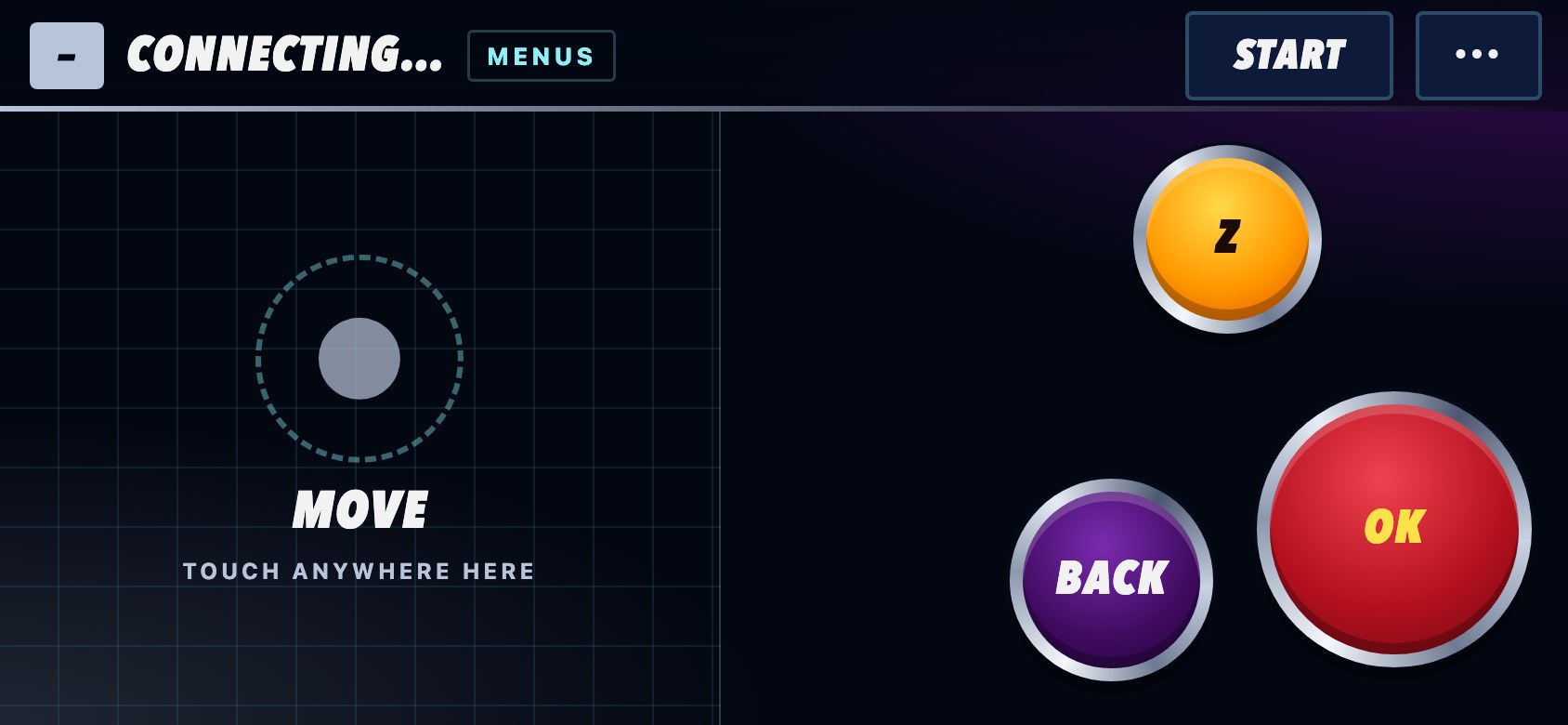
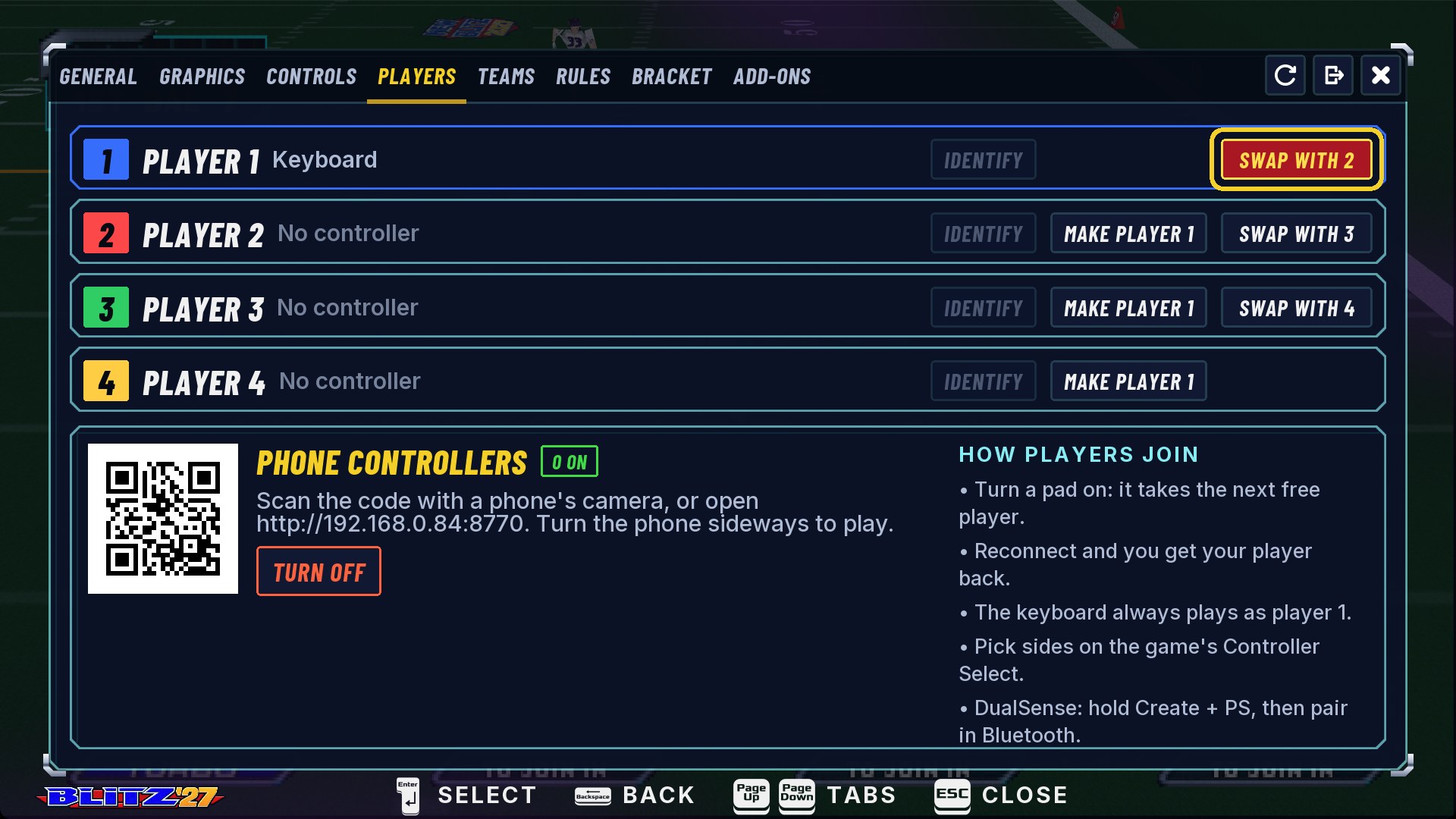
Settings → Players → Phone Controllers. Phones on the same Wi-Fi scan the QR code, turn sideways and join as the next free player: a stick on the left, Pass, Jump and Turbo on the right, Start at the top, labelled for what's on screen. The ··· menu has save, load, Redo Play and Be player 1. A phone keeps its place if it locks for a moment.
Up to four players
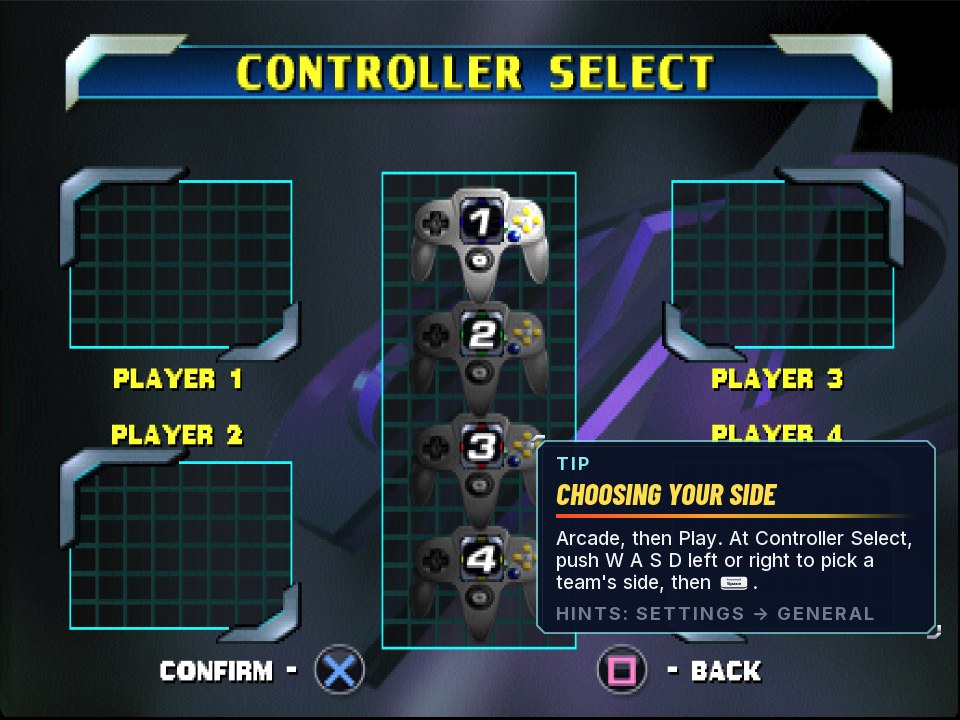
Phones, gamepads and a keyboard, mixed any way you like. Each controller becomes the next free player and shows its colour: blue 1, red 2, green 3, yellow 4. Settings → Players shows who is who: Identify buzzes a controller, Swap trades places, Make Player 1 hands over the menus.
Tournaments
Settings → Bracket sets up a bracket for 2 to 8 named players: one game a round or best of three, random matchups or as typed. Teams are picked before each game. The bracket saves after every game and comes back after a restart; Show Standings has everyone's record.
 ScreenshotA tournament bracket for eight players
Blitz Party
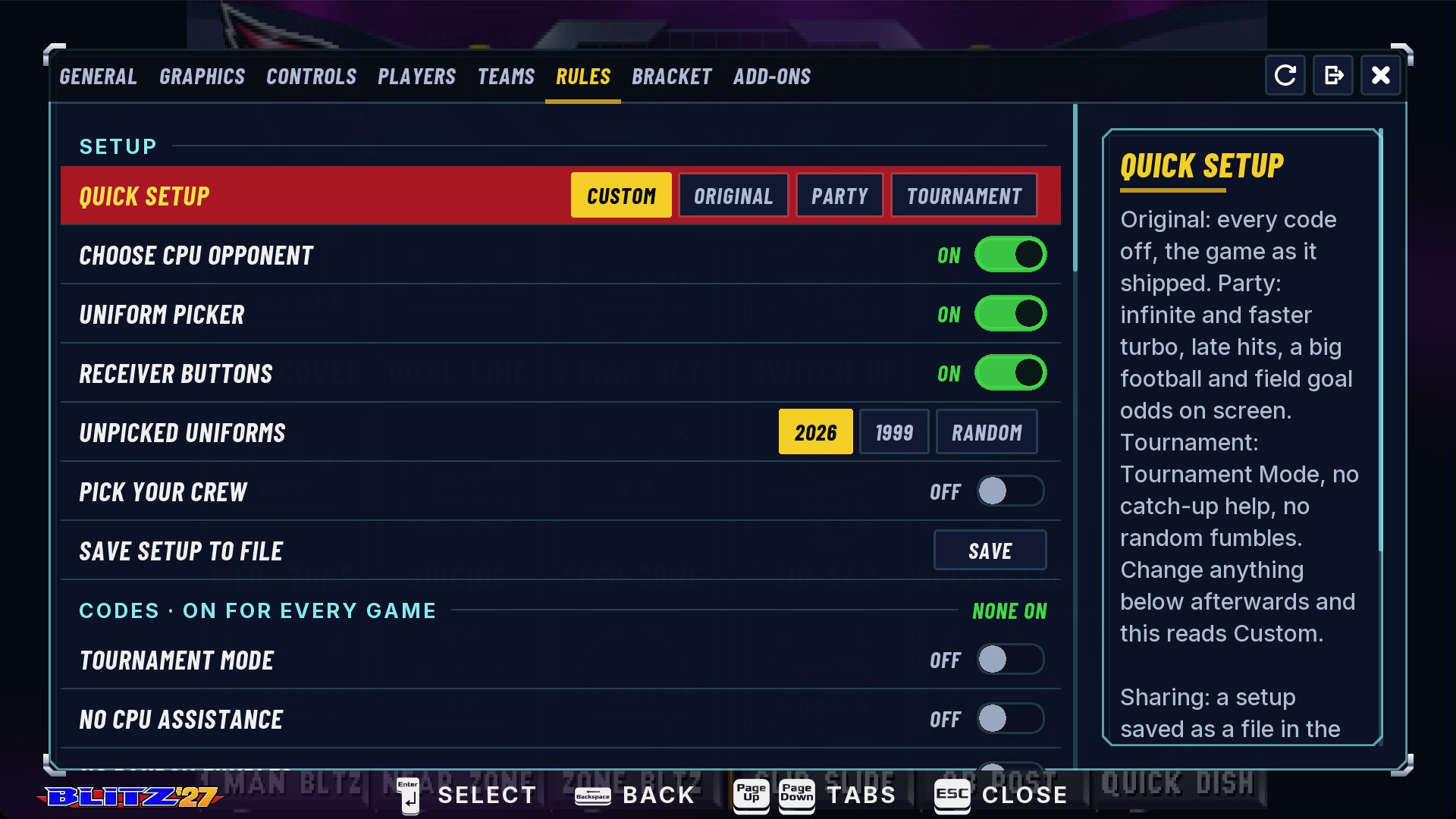
Rules → Quick Setup → Party: infinite and faster turbo, late hits, a big football and field goal odds, in one pick. Add TV Mode and phone controllers and game night's set up in a minute.
Do-overs

Redo Play
Botched a kickoff? Hotkey + △ (or F8) goes back to that play's play select, with the score, clock, down and stats rewound. Press again at play select to go back another play, up to 8. In the menus it undoes a step instead: picked the wrong team? Back you go.
ScreenshotRedo Play: back to play selectInstant Replay
The last play, full screen, with the game stopped behind it: play and pause, scrub frame by frame, slow it to half or quarter speed, and save it. Open it from the pause menu's REPLAY, F9, or R1 at play select.
ScreenshotInstant Replay: scrubbing the last play in slow motionSave states
Save the game exactly as it is, mid-play included, in three slots, and load it back later, even after quitting. A fourth slot, Auto, fills itself when the app goes to the background mid-game. A note at the bottom right says what happened.
Save & Quit
Quitting mid-game asks Save this game? Next time, Pick up your game? puts you straight back where you were.
Football smarts
All in Settings → Rules, all off until you want them.

Receiver Buttons
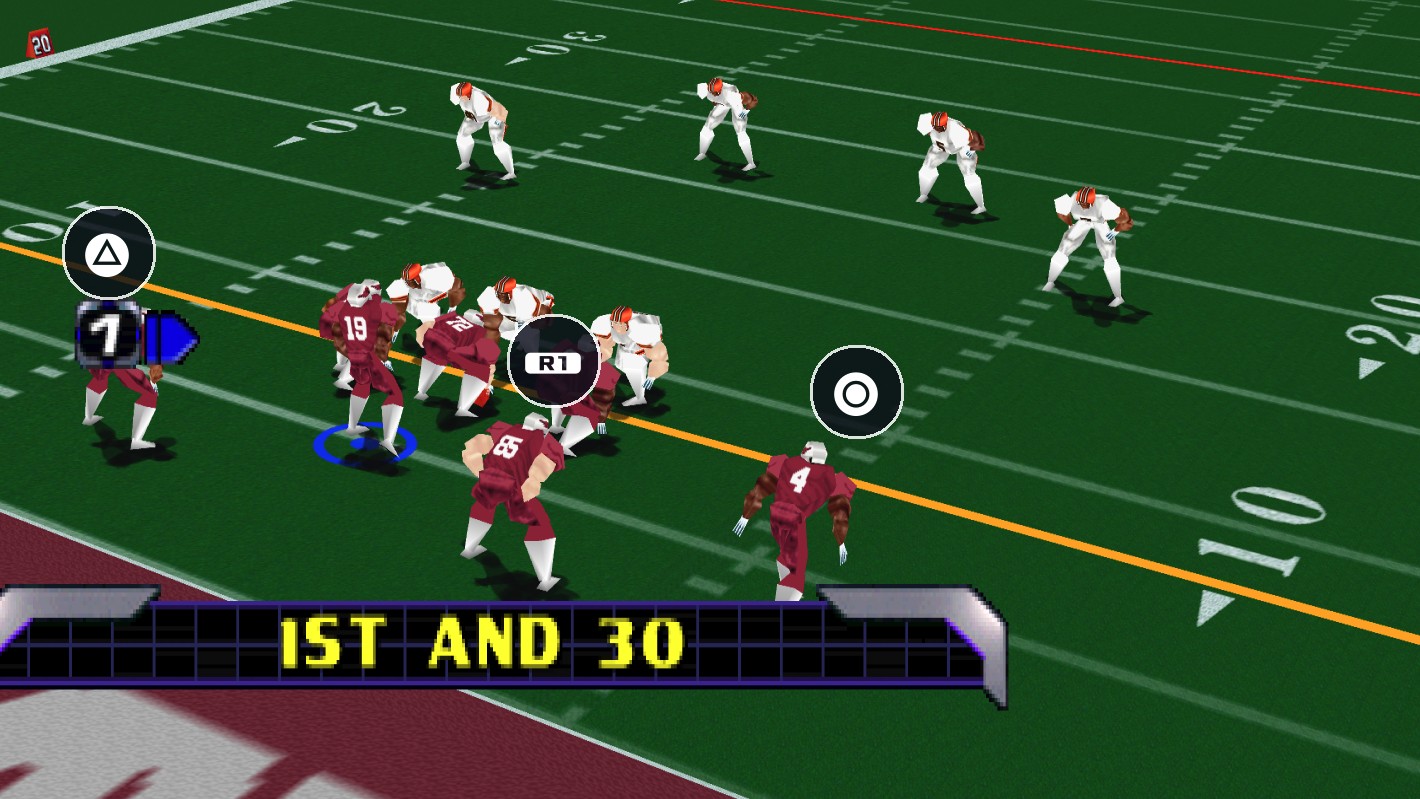
When your quarterback has the ball, a button icon floats over each receiver and follows his route. Press it to throw to him. Hold Turbo before the snap to see who's where. On a phone, small arrow buttons wrap around Pass.
Realism
Pro-style rules, each starting at the original game's: first downs at 30, 20 or 10 yards; kickoff touchbacks at the 20, 25 or 35; two-point tries from the 10 or the 2; extra points that can miss; overtime periods up to three, or one, then a tie.
Play Clock
Normal (9 seconds in the first quarter, 5 after), or 15 or 20 seconds every quarter.
Smart CPU Opponent
The game's own Smart CPU, on for every one-player game: the computer plays at its top skill. Tougher, not smarter.
Smarter Play Calling
The CPU kicks the field goal at the end of a half, doesn't try field goals over 55 yards, fakes far less, and goes for two only late.
Choose CPU Opponent
Pick who you play against in a one-player game.
House rules

The Blitz codes
Big Heads, Tiny Players, Infinite Turbo, weather and stadiums, on for every game. No code entry at the versus screen needed.
Quick Setup
Original, Party or Tournament rules in one pick, plus any rules files friends have shared.
Share your rules
Rules → Save Setup to File saves your house rules as a file. Send it to a friend; it shows up in their Quick Setup.

32 teams, today
Today's teams in today's cities, with 2026 rosters, current uniforms and team art. Advanced Season plays the real 2026 schedule with 7-team playoffs.
ScreenshotThe 2026 Season: today's teams at team selectPick Your Crew
After team select, pick who plays for your team: a QB, RB, WR and a flex, then the line and the defense, and the CPU's crew too. Looks only: names, numbers and builds, never ratings.
ScreenshotPick Your Crew: choosing the startersUniform Picker
At team select, △ cycles your team's uniform: home, away, or the game's choice. The other team adapts so the two don't clash.
Pro Bowl
At team select, the game's R button makes an all-star crew from every team's starters, with your own three-letter team code on the scoreboard.
Weekly lineups
Optional: who's starting this week, injuries and all, downloaded when the app starts. Or play everyone at full strength.
Roster Room
A page in your browser with every team's slots and the whole roster to choose from. Lock In, and your crews play in every mode and go into exported ROMs.
Handhelds
BLITZ DS Beta
On a two-screen handheld, the play runs tall across both screens with a camera that follows the action. At play select, tap a play on one screen while the other loops the last play beside your drive. Stylus puts big tiles under your thumb.
ScreenshotBLITZ DS: the play across two screensTouch controls
On a phone, a floating stick on the left, Pass, Jump, Turbo and R on the right, Start and the menu a tap away. They step aside when a controller's in use.
ScreenshotTouch controls on a phoneHotkey combos
Hold L3 or R3 for the extras: save, load, pick a slot, Redo Play, screenshots. The same on every controller. All the controls.
Make it yours

Export ROM
A cartridge-ready .z64 with your rosters, rules and uniforms built in, for a flash cart on a real N64 or any emulator. Lite plays on any N64; Full uses the Expansion Pak; Custom is your own mix. The kinds.
ScreenshotExport ROM: picking the kind of cartridgeAdd-Ons
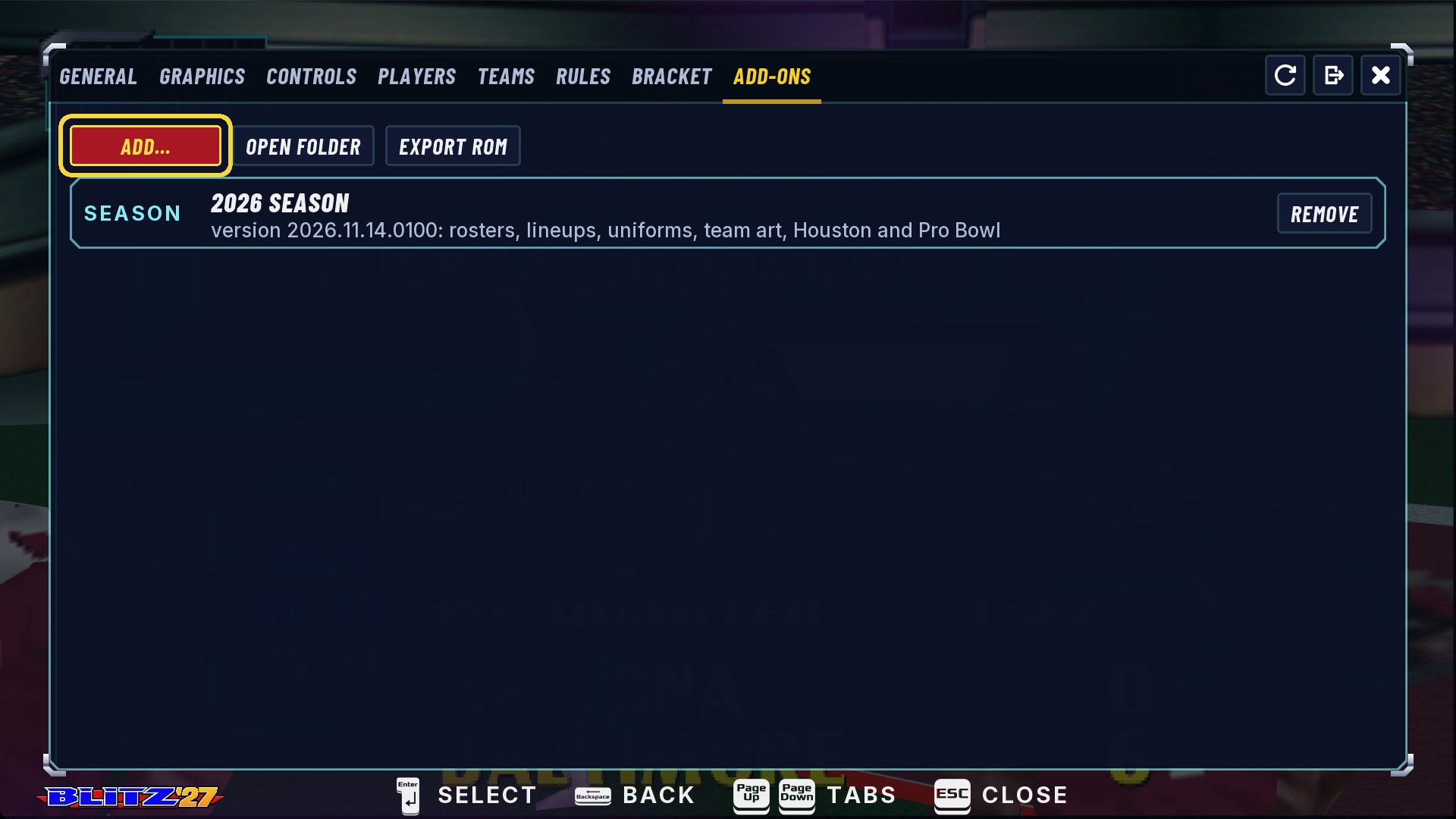
Paks add seasons, uniform sets, team art, announcer calls and rules. Add-Ons installs them, updates them and removes them. Community paks are shared on Discord.
Polish
First-run hints
The first time you reach each part of the game, a tip card shows what to press, in your own controller's buttons. Each shows once and never blocks a button.
Your buttons, everywhere
The game's own screens show each player their own controller's buttons: PlayStation, Xbox or Switch. Or pick one style, the N64's included.
On-screen keyboard
Type tournament names or a team code with a controller.
Screenshots and clips
F12 or hotkey + Select for a screenshot; on a Mac, Shift+F12 records a clip. They go to Pictures → New Blitz.
Toasts
Small notes at the bottom right say what just happened, like "Slot 1: state saved", then get out of the way.
Bug reports in one click
Settings → General → Save Logs puts the log, any crash reports and your device details in one zip. Attach it to a bug report.